What Makes a Dark Net Official Website
A dark net official website is an onion service hosted on the Tor network, typically identified by a .onion address that ends in a string of random characters. Unlike the surface web, dark net sites do not use domain registrars or SSL certificates issued by central authorities. Instead, the .onion address itself is derived from the site's cryptographic key, making it theoretically impossible to forge without controlling that key.
Official dark net websites often announce their addresses through multiple channels: PGP-signed statements on forums, mirrors hosted on other platforms, or direct communication with known community members. The key difference between an official site and a phishing clone is that the official version will have a consistent address across multiple trusted sources, while clones use slightly different URLs designed to trick users who mistype or skim quickly.
Many dark net sites also publish their PGP public key on the same announcement channels. This allows users to verify that messages claiming to be from the site's operators are actually signed by the holders of that key, not by attackers impersonating them.
How to Verify an Onion Address with PGP Signatures
Verifying a dark net official website address requires checking a PGP-signed announcement from the site's operators. Here is the process:
- Find the site's official PGP public key from a trusted source (usually announced on multiple forums or linked from a known mirror).
- Locate a recent PGP-signed statement from the operators that includes the .onion address.
- Import the public key into a PGP tool such as GnuPG or use an online verification service.
- Verify the signature on the announcement to confirm it was signed by the key holder.
- Compare the .onion address in the verified announcement with the address you plan to visit.
- If the signatures match and the address is recent, the site is likely legitimate.
This process is more reliable than trusting a single source because it uses cryptography to prove that the announcement came from someone with access to the private key. Phishing clones cannot forge these signatures without stealing the private key itself. If you cannot find a PGP-signed announcement, treat the address as unverified and do not log in with sensitive credentials.
Common Phishing Tactics and Address Clones
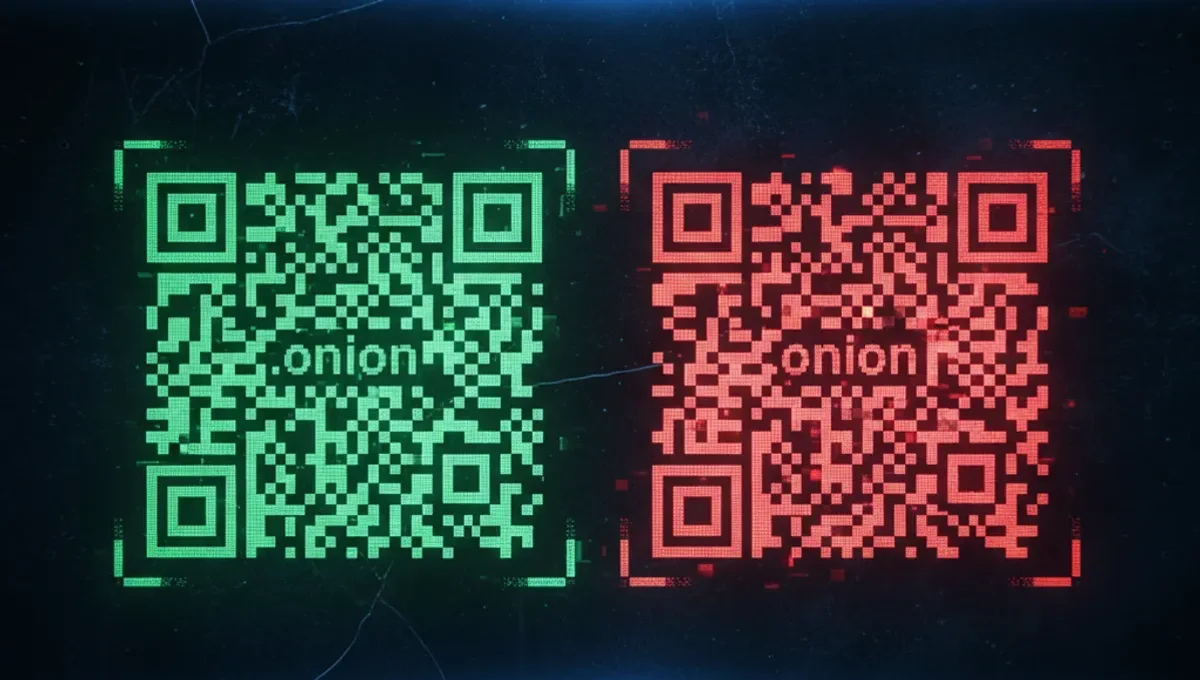
Phishing clones of dark net websites are designed to look identical to the official version while stealing login credentials, cryptocurrency, or personal data. Attackers typically register addresses that differ by only one or two characters from the real .onion address, relying on users to misread or mistype the URL.
Common phishing tactics include:
- Posting fake addresses in forums or chat channels, often claiming the original site is down and this is a temporary mirror.
- Creating lookalike sites that copy the official design and layout but redirect form submissions to attacker-controlled servers.
- Distributing malicious links through private messages or email, often with urgency (account locked, urgent update required).
- Hosting clones on the same Tor network so they load quickly and appear legitimate.
The best defense is to bookmark the official .onion address after verifying it with PGP, and always access the site by typing the address directly into your browser rather than clicking links. If a site asks you to re-enter your password or requests unusual information, verify the address in your browser bar before proceeding. Many users have lost funds or had accounts compromised by logging into clones they thought were the official dark net website.
Where to Find Verified Dark Net Site Addresses
Verified addresses for legitimate dark net websites are typically published in a few reliable locations. The Tor Project's official website lists known onion services and provides guidance on verifying them. Many dark net forums and communities maintain pinned posts with verified .onion addresses for popular sites, though you should still cross-check these against PGP-signed announcements.
Some dark net sites publish mirrors on the surface web or on alternative platforms, often with a notice that the official address is the .onion version. These mirrors are useful for finding the correct address, but you should always use the .onion address for sensitive activities like logging in or making transactions.
This site maintains a Useful Resources page that links to verified announcement channels and PGP keys for known dark net services. Before visiting any dark net site for the first time, check that page and verify the address using the steps described above. If you find an address on a forum or in a chat without a PGP signature, treat it as unverified until you can confirm it through multiple independent sources.
Reality Check: How the Ecosystem Actually Works
The dark net ecosystem operates without central authorities to verify domains or issue certificates, which creates both security and usability challenges. According to Tor Project documentation, this decentralized design is intentional: it prevents any single entity from controlling which sites can exist. However, it also means users bear full responsibility for verifying addresses themselves.
Law-enforcement agencies have seized many dark net sites and replaced them with clones designed to identify users, according to court records and public statements from agencies like the FBI and DOJ. This means that even a site that appears to be working correctly could be a law-enforcement honeypot. Verifying a PGP signature does not guarantee that the site is not compromised; it only confirms that the current operator controls the private key.
Security-vendor incident reports document that phishing clones account for a significant portion of credential theft on the dark net. Users often lose access to accounts or funds because they logged into a clone after misreading a .onion address by a single character. This matters because it shows that address verification is not a theoretical concern but a practical necessity for anyone accessing dark net sites regularly.
The best defense is to treat dark net addresses with the same caution you would use for financial accounts: verify before accessing, use bookmarks instead of links, and never assume a site is legitimate just because it loads quickly or looks correct.
Best Practices for Accessing Dark Net Sites Safely
Beyond verifying the address, several practices reduce the risk of phishing or compromise when accessing dark net websites. Use a dedicated Tor Browser instance for each site you visit, or use a virtual machine running Tails or Whonix to isolate your activity. These tools prevent malware or browser exploits from compromising your main system.
Always verify the .onion address in your browser's address bar before entering credentials or sensitive information. Phishing clones often load quickly and look identical to the real site, so the address bar is your most reliable verification tool. Disable JavaScript in Tor Browser if you do not need it, as JavaScript can sometimes be exploited to reveal your IP address.
If a dark net site requires you to log in, use a unique username and password that you do not use anywhere else. If the site is compromised or cloned, this limits the damage to that one account. Consider using a password manager to generate and store these credentials securely.
Finally, keep your Tor Browser updated to the latest version. Updates often include security patches for vulnerabilities that could be exploited by malicious sites or network-level attackers. Outdated versions are more vulnerable to deanonymization attacks, which is why the Tor Project releases updates regularly.
What to Do If You Cannot Verify an Address
If you cannot find a PGP-signed announcement or multiple independent confirmations of a dark net official website address, the safest approach is to assume the address is unverified and avoid logging in with sensitive credentials. Many users have lost access to accounts or funds by trusting unverified addresses, so this caution is justified.
If you need to access a site but cannot verify the address, consider using a temporary or throwaway account first. Log in with a test username and password, and check whether the site behaves as expected. If the site asks for unusual information or behaves suspiciously, close the connection and do not proceed.
You can also reach out to the site's operators through alternative channels, such as forums or encrypted messaging platforms, to ask for the current official address. Legitimate operators are usually willing to confirm their address if asked directly. This adds a layer of verification beyond relying on a single source.
Remember that the dark net ecosystem changes constantly. Sites go offline, move to new addresses, or are seized by law enforcement. Staying informed about these changes and verifying addresses regularly is part of using dark net sites responsibly. The effort to verify an address takes only a few minutes and can prevent significant losses or security breaches.
Frequently Asked
How do I know if a dark net website is real
Verify the .onion address against a PGP-signed announcement from the site's operators. Check multiple independent sources and compare the address carefully. If you cannot find a verified announcement, treat the address as unverified and do not log in with sensitive credentials. The address bar in your browser is your most reliable verification tool.
What is a phishing clone on the dark net
A phishing clone is a fake dark net website designed to look identical to the official version but with a slightly different .onion address. Attackers use clones to steal login credentials, cryptocurrency, or personal data. They rely on users misreading or mistyping the address. Always verify the address before logging in.
Can I trust dark net sites that have mirrors on the surface web
Surface web mirrors can help you find the correct .onion address, but you should always use the .onion address for sensitive activities like logging in. Mirrors are useful for reference but do not provide the same security guarantees as the official onion service. Verify the .onion address with PGP before accessing it.
What should I do if a dark net site asks me to re-enter my password
Stop immediately and verify the .onion address in your browser's address bar. If the address is different from what you bookmarked, you may be on a phishing clone. Close the connection and do not enter your password. Legitimate sites rarely ask users to re-enter passwords without a specific reason, and even then, you should verify the address first.
How often do dark net sites change their official addresses
The frequency varies by site. Some sites maintain the same address for years, while others move regularly for security reasons. Check for updated announcements from the operators periodically, especially if you have not accessed a site in a while. Bookmarking the verified address helps, but verifying it again before logging in is still a good practice.