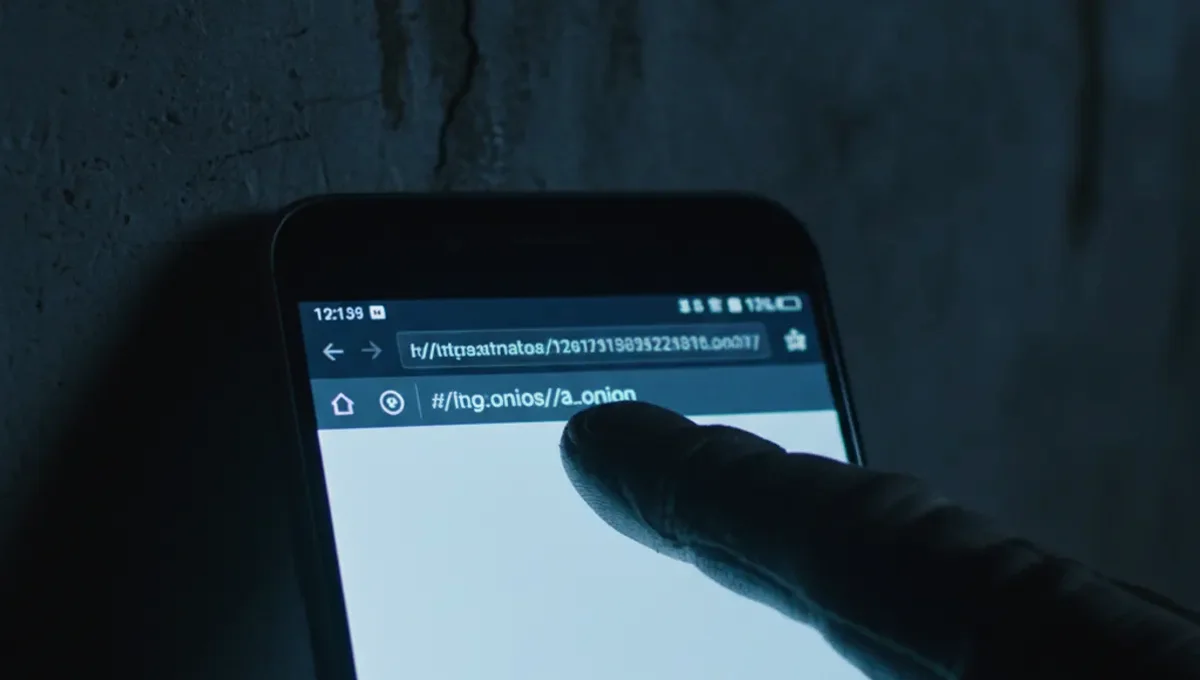
Why Chrome Cannot Access Dark Websites
Chrome and other standard browsers do not support the Tor protocol or .onion addresses. When you type a .onion URL into Chrome's address bar, the browser treats it as an invalid domain and returns an error page. Dark websites exist on overlay networks that require specialized routing through multiple encrypted relays, a process that only Tor-compatible software can perform.
Attempting to access dark website com addresses through Chrome leaves you vulnerable in multiple ways. Your internet service provider can see that you are trying to reach an onion address, even though they cannot see the content. Your browser fingerprint becomes visible to exit nodes and potentially to network observers. Chrome's standard security model does not account for the anonymity requirements of Tor users, making it unsuitable for this purpose.
The Tor Browser: The Correct Tool for Dark Websites
The Tor browser is a modified version of Firefox maintained by the Tor Project specifically for accessing onion services. It bundles the Tor network client, handles .onion routing automatically, and includes security hardening that regular browsers lack. When you use the Tor browser to visit a dark website, your traffic is routed through at least three Tor relays before reaching the destination, making it extremely difficult to trace your connection back to your real IP address.
Download the Tor browser only from the official Tor Project website. Verify the PGP signature of the installer before running it. The Tor browser updates frequently to patch security issues, so enable automatic updates. Do not modify its security settings unless you have a specific technical reason, as these settings exist to protect your anonymity and device security.
Verifying Legitimate Dark Website Addresses
Phishing clones of popular dark websites are extremely common. Attackers register similar .onion addresses and create near-identical interfaces to trick users into entering their credentials. A dark website hack often begins this way: a user visits what they believe is a legitimate marketplace or forum but is actually a phishing clone, and their login details are harvested.
Verify any dark website address through these steps:
- Check the official announcement channels for the site you want to visit, typically found on Reddit, Twitter or the site's own clearnet mirror if one exists.
- Look for PGP-signed statements from the site's administrators confirming the correct .onion address.
- Compare the address character-by-character with multiple independent sources; do not rely on a single link.
- Visit the site's security or FAQ page once inside to confirm it matches the content you expect.
- If the site requires registration, check whether existing users have recently discussed the address on public forums.
A dark website hacker often exploits the fact that .onion addresses are long and difficult to remember, making users more likely to click a link from an untrusted source.
Reality Layer: How Phishing and Verification Actually Work
The Tor Project's onion service documentation confirms that .onion addresses are cryptographically derived from a site's public key, meaning a legitimate site's address cannot be spoofed without breaking the underlying cryptography. However, attackers can register entirely new .onion addresses and clone a site's appearance, which is why address verification is critical. This matters because a single mistake can result in credential theft, malware infection, or financial loss.
Law enforcement agencies have successfully taken down dark websites by identifying operators through traffic analysis, blockchain transaction tracing, and operational security failures rather than by breaking Tor itself. Court records from major darknet market seizures show that most users were caught not through network compromise but through mistakes like reusing usernames, making Bitcoin transactions traceable, or failing to verify addresses before logging in. Security researchers have documented that phishing clones of popular dark websites remain online for weeks or months, harvesting credentials from thousands of users who never verify the address they are visiting. This pattern demonstrates that address verification is not optional but a fundamental security requirement.
Common Dark Website Hacking Scenarios and Prevention
A dark website hacker typically targets users through one of three methods: phishing clones that steal credentials, malware-laden downloads disguised as legitimate software, or social engineering attacks that trick users into revealing sensitive information. Understanding these scenarios helps you avoid becoming a victim.
Phishing clones work because users are in a hurry or unfamiliar with the correct address. Malware attacks succeed when users download files without verifying cryptographic signatures or checksums. Social engineering exploits the fact that many dark website users are technically curious but not security experts, making them susceptible to requests that seem reasonable but are actually designed to compromise their anonymity or device.
Prevent these attacks by:
- Always verify the .onion address before entering any credentials.
- Download files only from official sources and verify their signatures using PGP or the site's published checksums.
- Never enable plugins or extensions in the Tor browser unless absolutely necessary.
- Use a dedicated device or virtual machine for dark website access if you are handling sensitive information.
- Assume that any unsolicited message asking for information or requesting you to click a link is a social engineering attempt.
Understanding Dark Website Examples and Their Purposes
Dark websites serve legitimate purposes including whistleblowing platforms, privacy-focused communication channels, and forums for discussing security research. ProPublica's onion mirror, for example, allows journalists and sources in countries with internet censorship to communicate securely. Libraries and archives preserve information on dark websites to protect it from censorship. Security researchers use dark websites to study cybercriminal activity and track emerging threats.
Other dark websites facilitate illegal activity including drug marketplaces, stolen data sales, and hacking services. These sites operate under constant threat of law enforcement action and frequently exit scam, disappearing with user funds. Understanding the range of dark website examples helps you make informed decisions about which sites to trust and which to avoid entirely. The existence of legitimate dark websites does not mean all dark websites are safe; each requires independent verification and careful assessment of the risks involved.
Setting Up Your Environment for Safe Dark Website Access
Before accessing any dark website, prepare your device and network environment. Use a dedicated device or virtual machine running a security-focused operating system like Tails or Whonix if you are accessing sensitive information. These systems route all traffic through Tor automatically and leave no persistent traces on disk after shutdown.
If using your regular computer, ensure your operating system and all software are fully updated before installing the Tor browser. Disable JavaScript in the Tor browser's security settings to prevent certain types of attacks. Use a VPN before connecting to Tor only if you have a specific reason to hide the fact that you are using Tor from your ISP; in most cases, Tor alone provides sufficient anonymity. Never maximize your browser window, as this can make you easier to fingerprint. Disable plugins and extensions. These precautions significantly reduce the attack surface available to a dark website hacker or malicious site operator.
Moving Forward: Verification as Your Primary Defense
The single most effective defense against phishing, malware, and credential theft on dark websites is address verification before you interact with any site. Whether you are accessing a dark website com marketplace, forum, or information archive, the verification process remains the same: confirm the address through multiple independent sources, check for PGP-signed announcements from administrators, and compare character-by-character before entering credentials.
Your next step is to bookmark the official Tor Project website and the security resources page of this site, then practice verifying a single dark website address you are interested in visiting. Take time to understand what the correct address should be, where official announcements appear, and how to spot a clone. This one habit will protect you far more effectively than any technical tool.
Frequently Asked
Can I use Chrome to access dark websites?
No. Chrome does not support the Tor protocol or .onion addresses. You must use the Tor browser, which is a modified version of Firefox maintained by the Tor Project. Chrome will simply return an error when you try to visit a .onion URL.
How do I know if a dark website address is real?
Verify the address through official announcement channels such as Reddit, Twitter, or the site's clearnet mirror. Look for PGP-signed statements from administrators confirming the correct .onion address. Compare the address character-by-character with multiple independent sources before entering any credentials.
What is a dark website hacker and how do they target users?
Dark website hackers typically use phishing clones that mimic legitimate sites, malware-laden downloads, or social engineering to steal credentials or compromise devices. They exploit the fact that .onion addresses are long and difficult to remember, making users more likely to click untrusted links or skip verification.
Is it safe to access dark websites from my regular computer?
It is safer to use a dedicated device or virtual machine running Tails or Whonix. If you must use your regular computer, ensure your operating system and software are fully updated, install only the Tor browser, disable JavaScript, and avoid maximizing your browser window.
What are some legitimate dark website examples?
Legitimate dark websites include whistleblowing platforms, privacy-focused news mirrors like ProPublica's onion site, security research forums, and information archives designed to resist censorship. These sites serve journalists, activists, and researchers in countries with restricted internet access.